OpenCode

OpenCode Mobile

OpenCode Mobile

Mobile front-end for your AI coding assistant - opencode

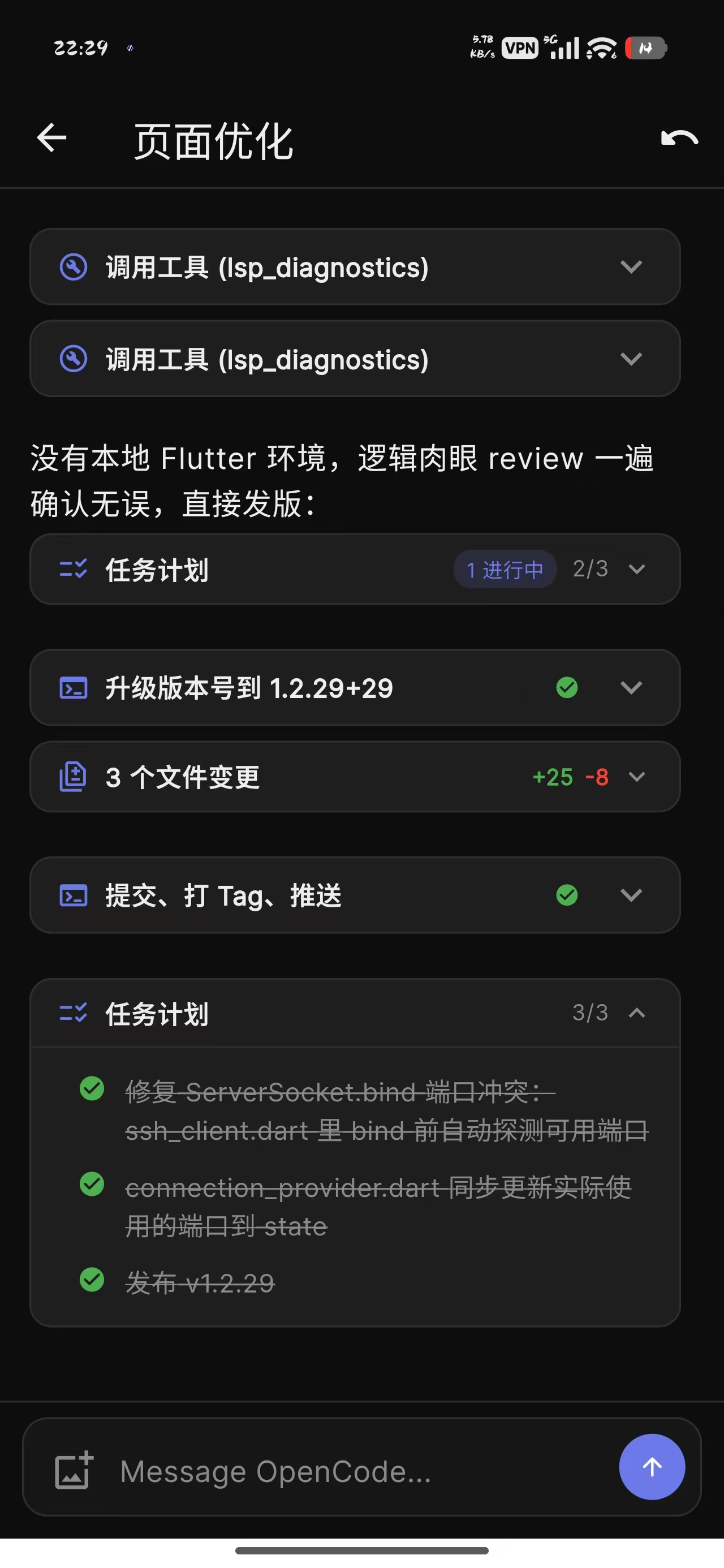
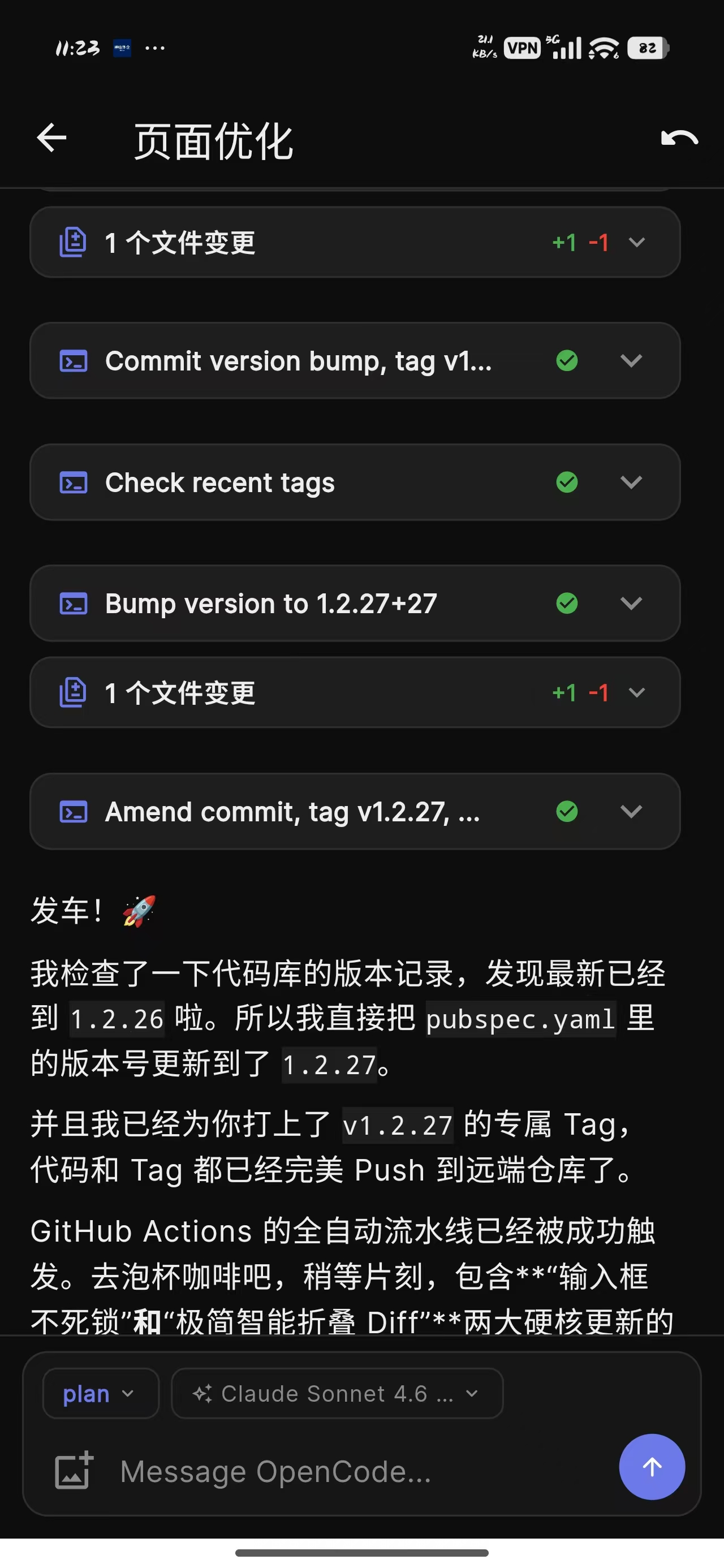
A native Flutter client for opencode. Chat with AI agents, review code, approve tool execution, and track token costs - all over an encrypted SSH tunnel to your own server. 100% private, zero cloud middleman.

↓ Scroll to explore
Core Features

🔐

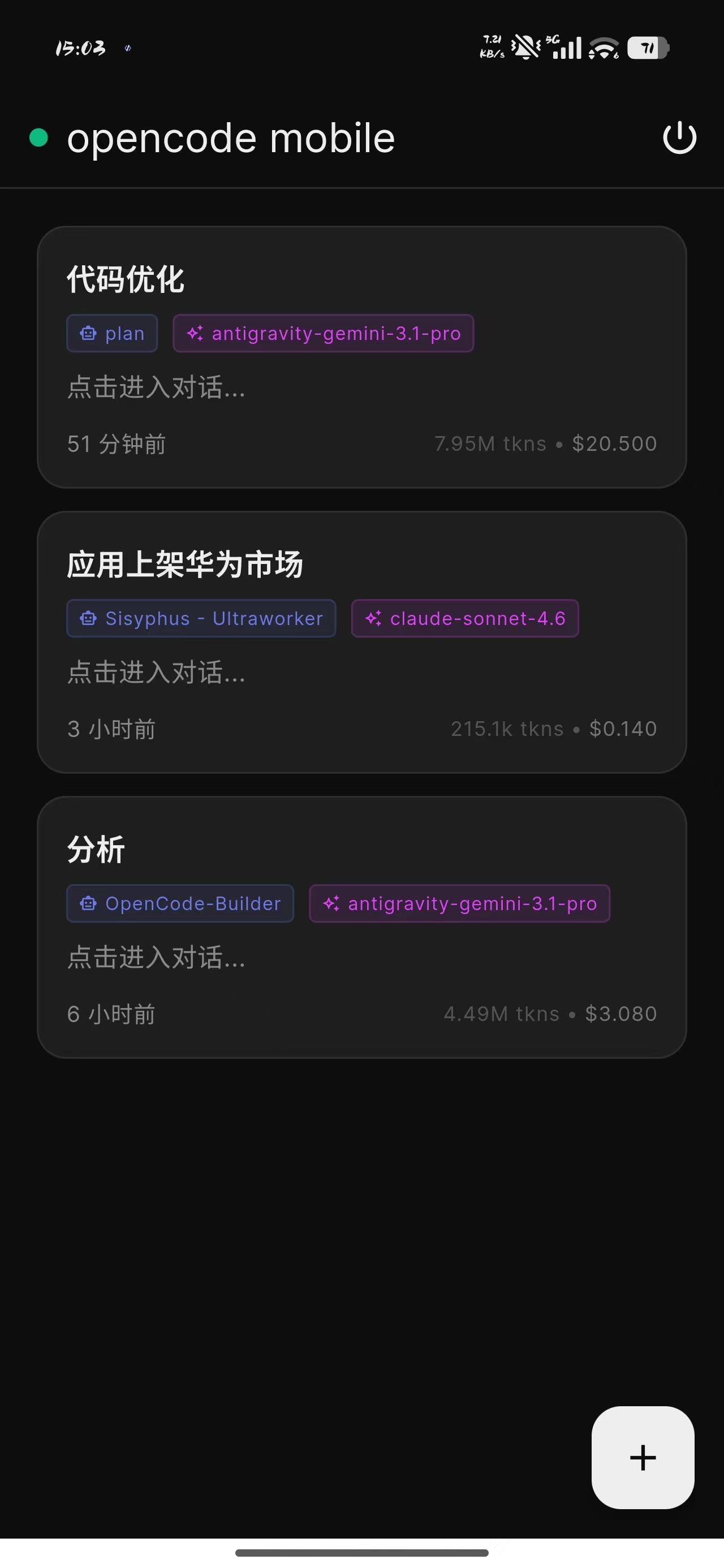
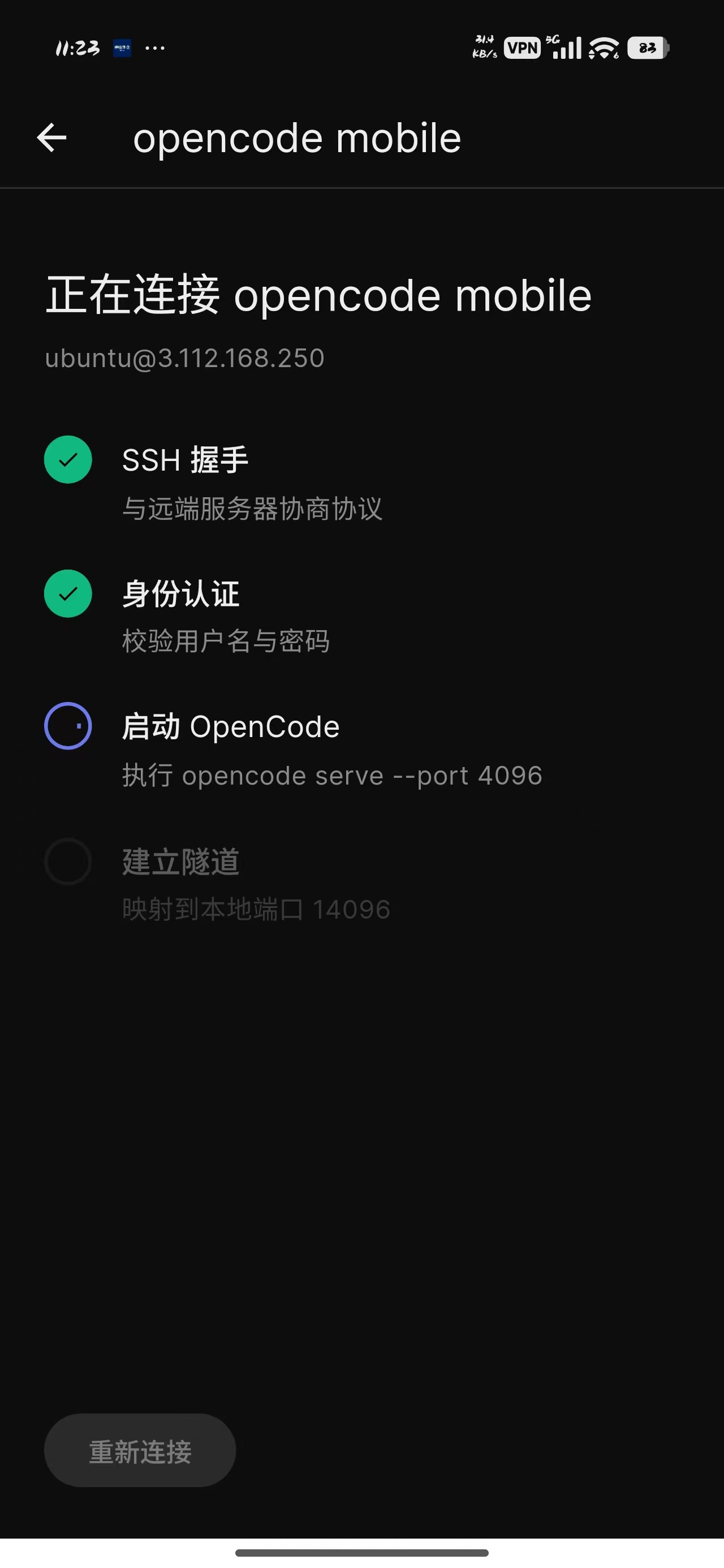
SSH Connection

Support for both password and PEM key authentication

💬

Real-time Execution

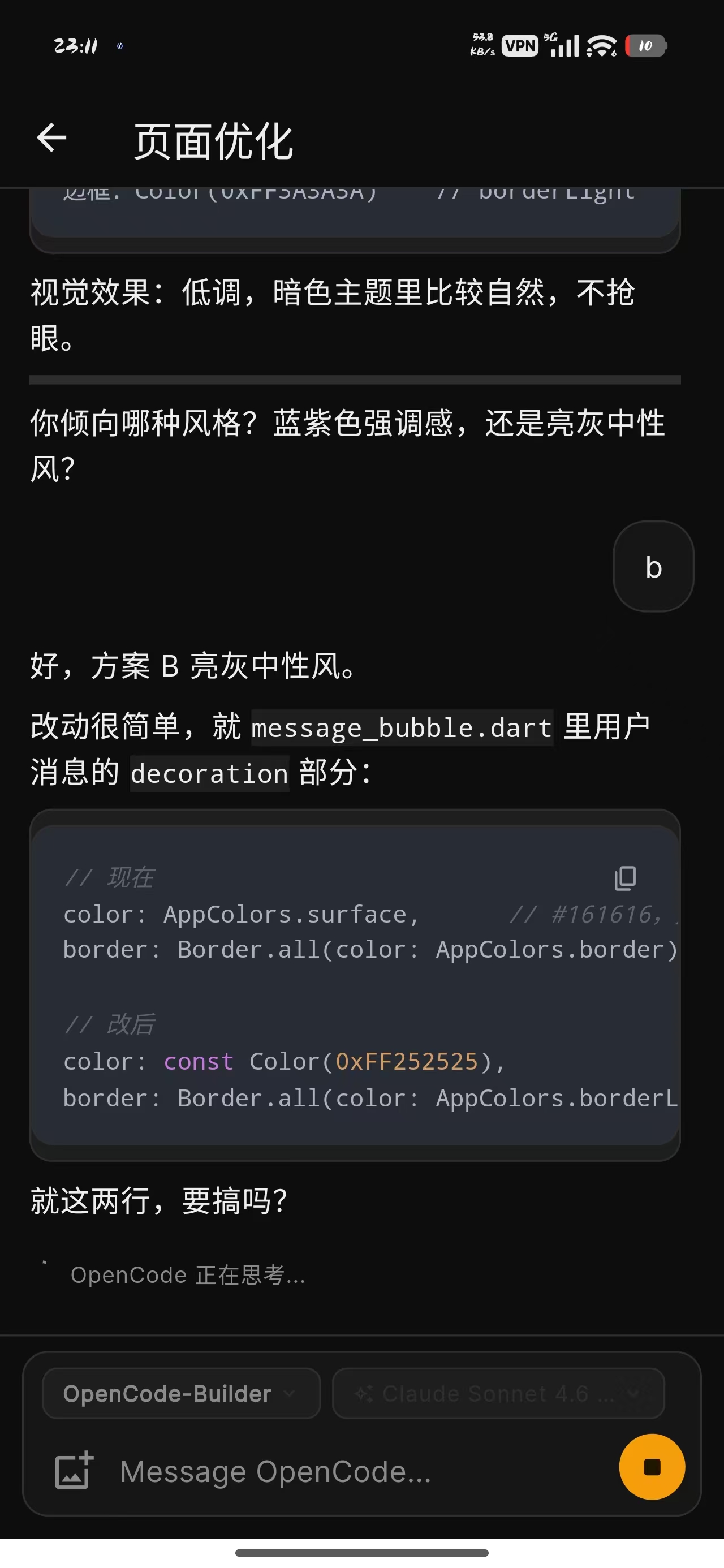
Real-time AI conversations with streaming responses and auto-reconnect

🗂

Session Management

View history, create and delete sessions easily

⚙️

Mode Switching

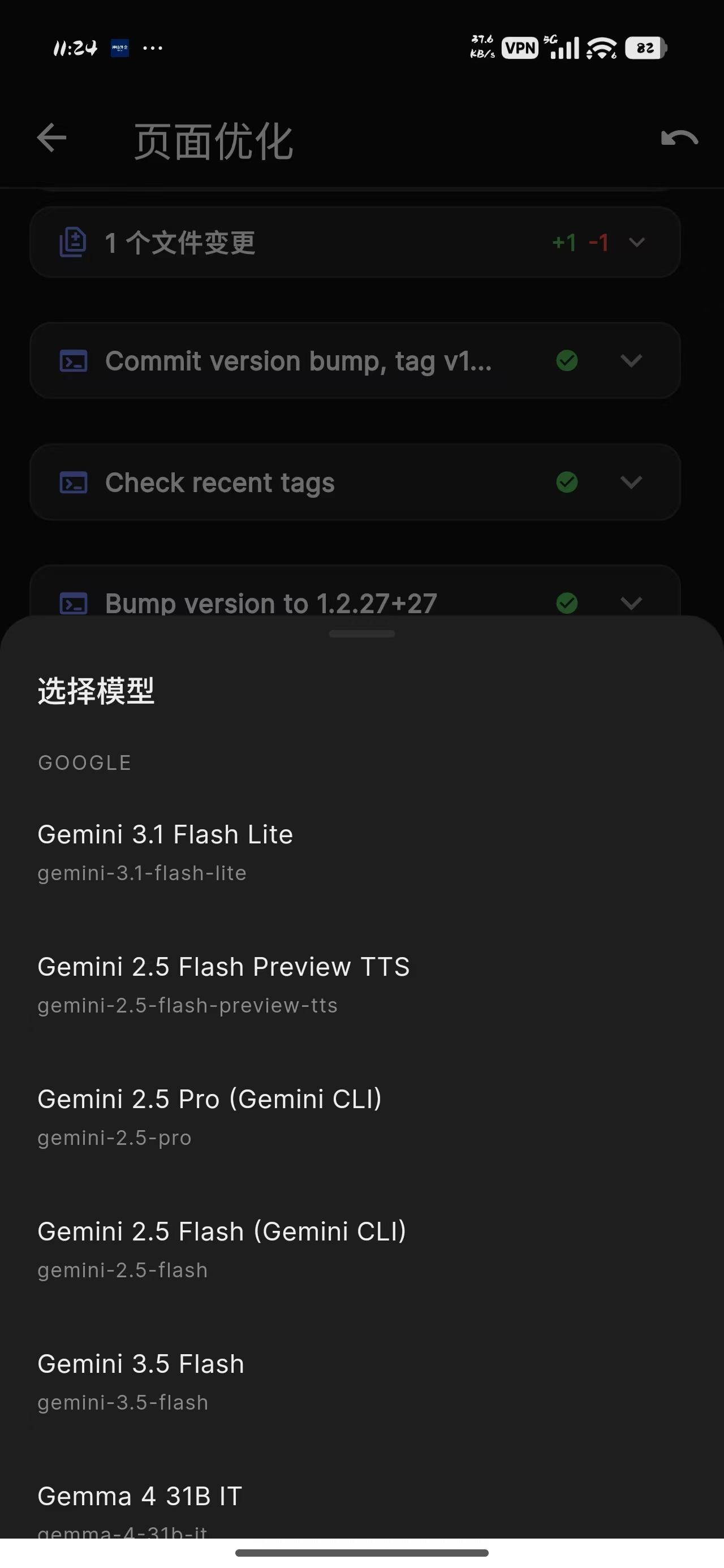
Switch between build, plan and custom modes, or swap models on the fly

📁

Work Directory

Configure separate working directories per server

🔒

Secure Storage

Passwords and keys encrypted with Android Keystore

App Screenshots

Quick Start

1

Install OpenCode

On your server

2

Download App

From Releases page

3

Configure Server

Add your server details

4

Connect & Manage

Start managing your server

1. Install OpenCode on your server:

curl -fsSL https://opencode.ai/install | sh

2. Download the latest APK from:

GitHub Releases →

3. Configure in the app:

Why OpenCode Mobile?

100% Private

All processing happens on your own server. Zero third-party service connections.

🔒

Secure Storage

Passwords and SSH keys are encrypted using Android Keystore. Never stored in plain text.

Real-time Streaming

Experience smooth, responsive command execution with streaming technology.

📱

Native Experience

Built with Flutter for smooth, fast performance on Android. Beautiful UI/UX.

🔄

Auto-reconnection

Seamlessly handles network interruptions. Never lose your conversation context.

🚀

Open Source

Fully open source on GitHub. MIT License. Contribute or self-host!